

-
Transform your game with Apple Vision Pro
Join Nathaniel Ellingson from Apple's Developer Ecosystem team to learn how to bring your game into the spatial computing era. Find out how Apple Vision Pro's precise hand tracking, spatial accessories, ultra-high resolution displays, and native frameworks like RealityKit and Metal empower creators to craft immersive and visually stunning gaming experiences.
This session was originally presented as part of the Meet with Apple activity “Press Start: Game development on Apple platforms.” Watch the full video for more insights and related sessions.资源
相关视频
WWDC25
WWDC24
-
搜索此视频…
Hello, my name is Nathaniel and I'm an engineer here at Apple. Today I want to talk about how you can bring your apps and games to Apple Vision Pro.
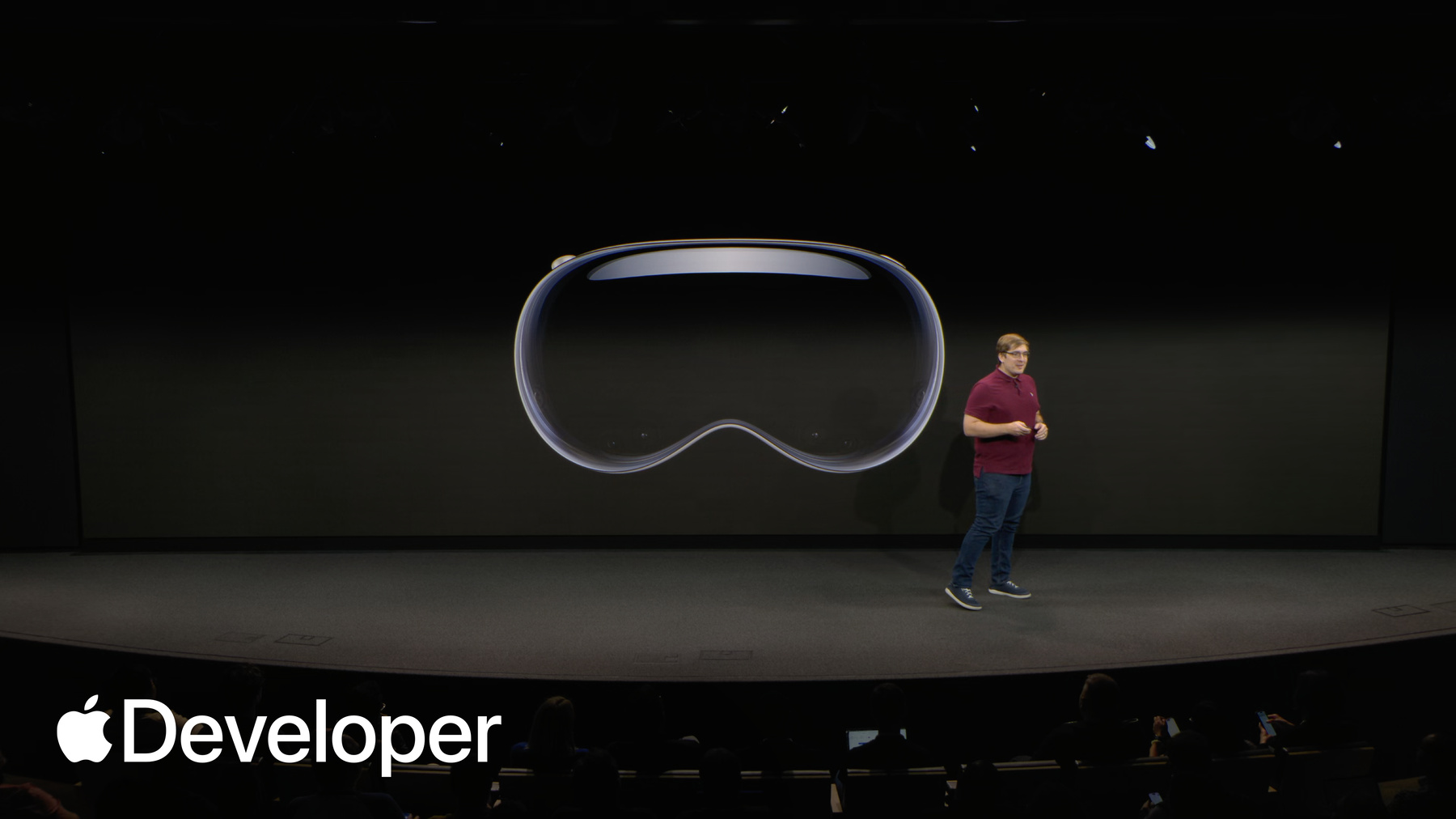
Spatial computing opens up an entirely new dimension for gaming, allowing you to create experiences that are more immersive, interactive, and personal than ever before. And it starts with the display. Now take a look at the huge screen behind me and imagine all those pixels shrunk down, placed in front of each eye. This is made possible by Apple Vision Pro Micro OLED system for you as a game developer, this means incredible visual fidelity. Your textures, your models, your art. It's all presented with stunning sharpness and clarity, totaling over 23 million pixels.
And with Apple Vision Pro, the display becomes an infinite canvas that surrounds you, enabled by some truly groundbreaking hardware. The canvas can be a fully virtual world, or it can be your own surroundings.
When your player's environment becomes a stage for your experience, our high resolution passthrough allows your game to seamlessly blend with the physical space. The platform models their surroundings, allowing your game content to realistically interact with their world. And this capability is on full display in games like Super Fruit Ninja. Here, the platform's understanding of the room allows the game to break out of the 2D plane and bring the action into the player space. It completely transforms the experience by making the game world and the real world feel connected.
Of course, a game needs more than a canvas. It needs interaction on Apple Vision Pro. The primary input method is the most natural one. We have a player's eyes and hands. The system tracks hand movements at a high frequency, enabling precise and low latency interactions that feel incredibly intuitive. This enables high energy direct manipulation games like Thrasher, where your hands become the controller guiding a creature through a dynamic, responsive world.
But it also supports more subtle, nuanced interactions. In Blackbox, custom gestures are used to solve clever puzzles that challenge you to think outside the box. This shows the incredible range of gameplay that you can design around hands as the primary input.
And for games that benefit from the tactile feedback of physical controls. visionOS also has robust support for controllers. Now in visionOS 26 spatial game controllers.
visionOS 26 adds support for the PlayStation VR2 Sense controller with the Game Controller framework. It combines the familiar layout of a traditional gamepad with its buttons, joysticks, and trigger with full six degree of freedom spatial tracking, making it a great option for games that require complex button inputs or fast paced action.
Vision Pro was already a beast when it came to compute, and that's been pushed even further with the desktop class M5 Apple silicon chip.
These incredible displays pass through desktop level CPU and input technologies are all brought to life by the power of Apple Silicon in an integrated software frameworks. This unified foundation is what makes it possible to deliver deliver these amazing spatial experiences.
So you've seen the ingredients that make gaming on Apple Vision Pro so compelling. The question now is how do you bring your games to this new platform? First, I'll show how your existing games for other Apple platforms may already be compatible with visionOS.
Then I'll explore how you can build games with native frameworks which can take full advantage of all the features on Vision Pro.
Finally, I'll show how you can use existing skills and workflows with third party engines like unity to port existing projects or build entirely new experiences.
So I'll start with the easiest path, which leverages work you've already done. If you have a game on the App Store for iPhone or iPad, you may have a visionOS game already.
Most apps designed for iOS and iPadOS are automatically compatible with visionOS, and can be made available on the App Store for Vision Pro. Here's a great example Wylde Flowers is an Apple Arcade title originally built for iPhone and iPad.
On visionOS, apps built for other platforms can run in a window that the player can resize and place anywhere in their room, offering a beautiful personal big screen experience. And input works great using the standard look and tap gestures.
To make your compatible game available on visionOS, all you need to do is go to your app's pricing and availability page in App Store Connect, and ensure that the checkbox to make this app available on Apple Vision Pro is selected. It's as simple as that.
Because Wylde Flowers already runs on these other devices, it's automatically compatible with visionOS. It provides a fantastic experience automatically with no additional work from the developer.
So that covers the out-of-the-box compatibility experience for iOS and iPadOS apps with no code changes.
But sometimes you might want to adapt your compatible games behavior specifically for visionOS. For example, since there's no touch screen, you might recommend the use of a game controller or adjust your UI layout.
To do that, your app needs to know when it's running on Vision Pro. So new in iOS 26. The is iOS app on Vision flag allows your compatible iPhone or iPad game to know when it's running on visionOS. You can use this to conditionally enable features that make the most sense for a spatial experience, and we also want to ensure your most graphically intensive games look their best. That's why new and visionOS 26 memory limits have increased for performance intensive iPad games. This means you can bring your highest quality assets to visionOS with confidence.
Leading developers are bringing their ambitious and graphically demanding titles to the platform, thanks to compatibility across Apple devices. Control pushes the boundaries of real time graphics and enables Raytracing with the new M5 chip.
Where Winds Meet showcases massive open world scale and titles like Pools and Sniper Elite four demonstrate the diverse range of high end gaming experiences possible on Vision Pro.
For those of you who want to begin blending the 2D world of your game with the 3D world of spatial computing, the next step is to recompile your game against the visionOS SDK.
This unlocks the ability to use native visionOS frameworks. The team behind Wylde Flowers did exactly this by recompiling. They were able to use RealityKit to add a beautiful, dynamic 3D frame that exists in the player's world, and a spatial garden right alongside their existing 2D game view. This is a great incremental step towards a more spatial experience.
Next, I'll show you how you can build apps and games for Vision Pro with native Apple frameworks.
Apps built with native frameworks have access to the full spectrum of immersion, from windows and volumes in the shared space, to fully immersive experiences in the full space where your game can completely take over the player's surroundings.
By default, apps launch into the shared space where they can exist side by side. You can think of this like app windows on your desktop.
The sample project Petite Asteroids exists in a shared space, a volumetric window that you can place on the floor or a tabletop. Petite Asteroids uses native frameworks like RealityKit and SwiftUI, and you can download the complete project from the developer website to learn more about how we put this game together.
The other type of space is a full space, and you can think of this like the full screen version of an app on your Mac desktop. Here, only your app's views are visible to the person wearing the device.
When developing in a full space, you have access to two powerful paths for rendering your content. You can build with RealityKit, which provides a rich set of features right out of the box, or for maximum control, you can drive the display directly using Metal and Compositor Services. Both of these native paths unlock the ability to create a truly the truly immersive experiences we're about to see.
All full Spaces on visionOS can fill a person's entire field of view. They can be rendered with or without pass through, and you can add a skydome to a full space to completely immerse a person inside a virtual world.
To build for these spaces, you'll use our native Apple frameworks. There's a comprehensive suite of technologies available, and it's helpful to think of them in a few key categories.
For example, SwiftUI is the backbone of your app on Vision Pro, and it's how you declare views, including the immersive spaces in your app.
Next, frameworks for 3D content and rendering, where you'll probably choose between RealityKit or Metal.
And finally, frameworks for core gameplay services like SharePlay for shared experiences. Game Center for Leaderboards and Leaderboards. Achievements and Challenges and Game Controller for input.
I'll start with the backbone of native app UI SwiftUI.
SwiftUI helps you build great looking apps across all Apple platforms, with the power of Swift and surprisingly little code. You can bring even better experiences to everyone on any Apple device, using just the tools SwiftUI provides.
There are three types of SwiftUI views you can create for your apps on visionOS. The first type is window, which presents your content inside a flat panel and is similar to how you'd build windows for iOS and iPadOS devices.
Next is volume, which is the three dimensional analog of a window and provides a volumetric canvas for your spatial content. These are bounded spaces, and content outside the volume won't be rendered.
The final type of view is an Immersive Space. These are unbounded spaces can't be presented with or without pass through, and let you completely surround your audience with content. Only one Immersive Space can be active at any time.
Another useful framework for games is SharePlay, which is Apple's high level API for building shared experiences across Apple devices. SharePlay helps multiple people share activities like viewing a movie, listening to music, playing a game, or sketching ideas on a whiteboard while they're in a FaceTime call or Messages conversation.
Games like Defenderella use SharePlay to enable multiplayer and co-op gameplay with nearby players. New and visionOS 26 people can easily share windows with others nearby, allowing you to build games that people can experience in the same space.
Next, I'll talk about one of the two options you have for rendering content on visionOS RealityKit. Alongside Apple's scene authoring tool Reality Composer Pro, RealityKit provides many APIs that are common to game development realistic rendering, physics simulations, spatialized, audio playback, and more.
So what is RealityKit? It's Apple's modern framework for creating high performance 3D and spatial games. It provides the core technology to render, animate and simulate your content, making it look and feel physically present in the player space. RealityKit is designed to handle the complex work for you, like realistic rendering, physics and audio so you can focus on creating a great game.
Your same RealityKit code can run on just about any Apple device, making it easy to port your games to new platforms.
When you create content for RealityKit apps. Use USD files to author spatial assets. USD stands for Universal Scene Description and is both a set of open source tools and a file format. USD can contain, can contain, can contain data for meshes, materials, and animations, and serves a similar function as other formats you might be familiar with, like FBX or OBJ.
USD was originally developed by Pixar and is becoming widely adopted thanks to the support of companies like Apple and Nvidia. Pixar developed USD to enable collaboration on complex scenes worked on by large and growing teams.
But how do you use USD to build your games? That's where Reality Composer Pro comes in. Reality Composer Pro is Apple's scene authoring tool for apps built with RealityKit. It's included with Xcode and enables you to build scenes using USD assets.
Here's a screen capture of an open scene in Reality Composer Pro. If you've used other scene authoring tools or game engine applications, you'll notice a familiar UI.
On the left is a scene hierarchy where you can organize entities, materials, and references to other scenes.
In the middle is the viewport. The viewport renders your scene just as you'll see it on device, and on the right is the Inspector. And here's where you'll view and edit the properties of the current selected object.
USD references can be used in the same way as prefabs in other engines like unity.
In this screenshot, you can see a scene open with a reference to an asset called Toy Biplane. When the source asset updates, that change propagates to any scene with the USD reference to that asset. And this way you can build up complexity in your scenes layer by layer, adding particle effects or custom components.
Timeline in Reality Composer Pro is a no code solution for sequencing actions and behaviors in your scene. Many of the events in this intro sequence in Petite Asteroids were configured by a designer in Timeline.
Shader Graph in Reality Composer Pro enables advanced graphics effects for Petite Asteroids. We created these drop shadows on an otherwise unlit material using Shader Graph, as well as the squash and stretch effect on the character as she jumps.
You can learn how we used RealityKit, Reality Composer Pro, and other native frameworks like SwiftUI to build Petite Asteroids by downloading the project from the Apple Developer website. This is a complete vertical slice of a platformer game on visionOS, and we made the full source code available as inspiration and reference for your own RealityKit projects.
Let me mention one more framework that is built on top of Apple technologies like RealityKit and SharePlay TabletopKit.
TabletopKit makes it easy to create multiplayer tabletop experiences with RealityKit by providing streamlined APIs for setting up multiplayer experiences, especially those inspired by classic board games or tabletop RPGs.
To get started building with TabletopKit, check out the sample project Creating Tabletop Games available from the Apple Developer website.
So that's a look at building with RealityKit and its powerful authoring tools. Now I'll explain the other path. Taking full control of the render loop with Metal and Compositor Services.
Metal is a modern, tightly integrated graphics and compute API coupled with a powerful shading language designed so you can take full advantage of Apple silicon.
Compositor Services lets you render to a CompositorLayer using Metal APIs. Compositor Services then combines or composites those layers into the final image.
If you've used Unity or Unreal, these engines are already bringing their technology to Vision Pro using Compositor Services. In fact, Metal and Compositor Services is the recommended path for bringing your own custom game engines to Vision Pro.
When rendering with Compositor Services, you'll use a dedicated full space. This means players will be focused only on your game, and other apps will be placed in the background.
This highlights the fundamental choice between these two paths. When you build with RealityKit, you get a rich feature set for game development like physics simulations, skeleton based animations, and custom rendering with Shader Graph.
When you choose Metal in Compositor Services, you are in complete control of the renderer. This means you'll build these systems yourself, tailored exactly to your games needs. But that doesn't mean you're starting from scratch. For example, ARKit, another native framework, provides data about a person's real world environment, and it pairs perfectly with apps built using Compositor Services.
ARKit lets you bring a person's real world into your app by providing APIs for reconstructing a virtual mesh of the real world or tracking body movement. The recording on the right is from an iPad app using ARKit Scene Understanding to allow the digital bug to hide behind a real world tree.
ARKit uses advanced hardware sensors to in combination with software algorithms to detect surfaces in the real world. With the observed data generated by these sensors, a mesh of the real world is object is reconstructed at runtime.
For apps presented with passthrough, this reconstructed mesh will appear to exist in the real world. You can use this information in your apps to create incredibly realistic experiences.
Now I'll show how to build a space with Metal in Compositor Services. To the right is an example of how you can initialize a simple render loop using Compositor Services. And on the left is an abstract diagram of that same construction.
Start by defining an Immersive Space for your app. All scenes rendered with Compositor Services will require a dedicated Immersive Space.
Then create a CompositorLayer with a configuration object. This is the layer where your app will render content directly using Metal.
Inside the render callback for your CompositorLayer, create a new thread. Your render thread. This is the core render loop for your very own game engine using Metal. In this case, we use a separate function to keep our code organized, but the code on the right is available in a sample on the developer website for a working demonstration. Check out the sample project rendering hover effects in Metal Immersive Space. This sample not only showcases how you can build a simple render loop, but also how to work with privacy constraints to enable gaze based hover effects for objects in your scene.
Now let's talk about how many of you are already developing your games that is, using existing third party game engines.
Unity, unreal, and Godot are each viable tools for bringing your games to Vision Pro. These engines bring familiar workflows to Vision Pro development, although the extensive extent of features possible in each engine varies.
D-Day. The camera soldier uses unity and Poly Spatial to power this Emmy Award finalist documentary. This experience blends stereo video with interactive scenes to enable viewers to have a hands on experience with historical events.
So let's talk about how to target visionOS with unity. Unity is an easy choice for many developers when starting their projects. Because of the wide variety of platforms unity can target, including visionOS. From the start, unity has powered many of the immersive experiences you've seen on Vision Pro, so let's take a high level look at how you can do the same.
When building games with unity, you have the option of configuring your app to run in one of several modes that can be selected in your project's player settings. The first mode uses Metal and Compositor Services to render content.
This mode, like all apps rendered with Compositor Services, renders its content in a dedicated full space.
These apps can exist with or without passthrough. To enable passthrough, set the immersion mode to mixed or automatic. Set your camera to have a solid color background and make sure the alpha channel for the solid color has a value of zero.
The next mode uses RealityKit to render content and is available to developers with a Poly Spatial license.
Because Poly Spatial apps use RealityKit to render content, these apps can also exist in the shared space where your players can see them running alongside other apps they may have open.
These. These apps can also exist in volumetric windows, a type of window that is otherwise only available with RealityKit APIs.
The materials you create inside unity are converted automatically by Poly Spatial so that they can be rendered by RealityKit.
When you build a material in unity using Unity's Shader Graph tool, that Shader Graph is automatically converted through material Ex. Material ex is an open standard for defining the look of 3D assets. Because both unity and RealityKit understand the shared language.
Your Shader Graph concepts and nodes can be translated and converted into a native RealityKit material, ready to be rendered in your visionOS app.
Another mode is Hybrid, which allows developers to switch at runtime between RealityKit rendering with Poly Spatial and Metal rendering with Compositor Services. For example, you can present part of your app in a volumetric window rendered with RealityKit, then open up a full space rendered with Metal and Compositor Services, all powered by unity.
Before I leave the topic of unity, I want to mention one more aspect of unity development for for Apple platforms. Unity plugins that enable native Apple code to run in your unity app.
As Alan mentioned earlier, a select set of these frameworks are available to include as a plugin in your unity project.
The Game Controller framework, for example, enable support for classic Bluetooth gamepads. And just last week, we released an update that expanded support for spatial game controllers like the Sony PlayStation VR2 Sense controllers that can be a native that can be enabled natively in your unity game.
Integrating these plugins into your project has a few extra steps you may not be used to. Rather than being distributed through Unity's Asset store, these plugins are distributed as Xcode projects that can be built on your Mac. Check out the Quickstart guide in the repo for more information. These plugins exist in a public repository on GitHub, and we welcome your feedback about feature requests or bugs.
Next, Unreal Engine is another pathway to bringing your games to Vision Pro. Unreal Engine is known for its high fidelity graphics and Triple-A tools and can target a wide, wide range of platforms, including visionOS.
Glassbreakers Champions of Moss is a cross-platform multiplayer game developed by PolyArc using Unreal Engine. Glassbreakers is expected on Apple Arcade November 13th.
Many of the tools and workflows you're familiar with can be brought to your Vision Pro projects.
Unreal engine enables immersive games using Metal and Compositor Services. These apps can be presented with or without passthrough, and you can learn more about how to configure Unreal Engine by visiting their official documentation. Additionally, much of the source code for Unreal Engine is available to developers, and it is even possible to modify the engine to expand functionality. This enables advanced DIY implementations for native platforms, including visionOS.
Finally, I'll mention Godot engine and what is possible today, because a lot may have changed since you last took a look.
Godot is a fan favorite for many developers because the Godot project is free and open source. This means you have direct access to the source code without restriction, and development on the core engine can happen broadly and rapidly based on developer engagement.
Earlier this year, the Godot community graciously accepted a contribution from Apple that enables visionOS as a target platform. This contribution enables only windowed experiences, meaning you can present your Godot apps and games in a flat screen on visionOS. If you're interested in using Godot to build games for visionOS, I encourage you to follow updates on the official Godot repository on GitHub to see the latest contributions from the community, including from Apple.
So I just went over a lot. So let's recap the paths available to you to bring a game to visionOS.
The journey can begin with compatibility, where your existing iPadOS and iOS games find a new home on a stunning personal big screen.
For a deeper spatial experience. You can build with our native frameworks. Here you make a key architectural choice. Use the rich built in features of RealityKit, or take absolute control of the renderer with Metal and Compositor Services.
And of course, you can leverage your existing skills with familiar game engines. Powerful tools from engines like from like engines like unity, unreal and Godot allow you to bring incredible content to visionOS using workflows you may already know.
And I want to leave you with one more piece of advice. Find us on the developer forums. Apple engineers, including myself, hang out on the forums answering questions about APIs and bugs. So please reach out to us during development with any questions you might have. And with that, I'll hand it over to Mike. Thank you.
-