

-
What’s new in interactive media for visionOS
Discover the latest updates to visionOS 26 that can help you build stunning interactive moments for your apps, games, and experiences.
This session was originally presented as part of the Meet with Apple activity “Create immersive media experiences for visionOS - Day 1.” Watch the full video for more insights and related sessions.Resources
Related Videos
Meet with Apple
-
Search this video…
Thank you Tim.
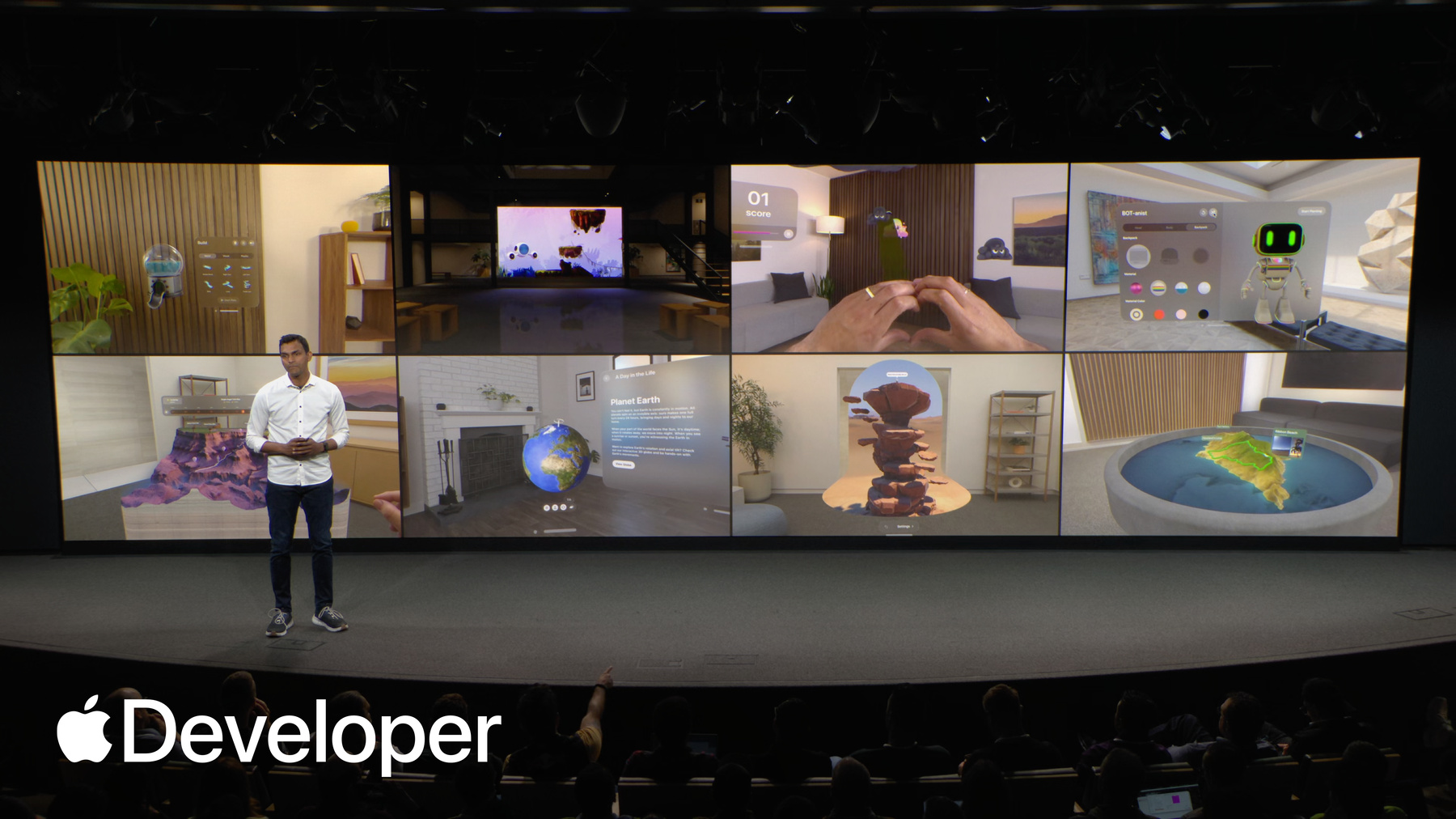
Hi everyone! My name is Adarsh Pavani. I'm a technology evangelist for Apple Vision Pro. You just learned how you can deliver an incredible cinematic experience using immersive media.
But what if I tell you that you can go beyond the screen and add a deeper level of immersion, where your audience can even interact with the characters in your story? Well, you don't have to take my word for it. Here's Encounter Dinosaurs.
That's a visionOS app, and it starts out with a magical interaction where a butterfly flies to you and lands on your finger as you extend your hand out.
Then a portal to a prehistoric world opens up and the butterfly flies right into that world.
But the real thrill of the experience begins when a lightning strikes.
And there's an earth shattering thunder that fills up the space.
The story then introduces Izzy, a curious yet friendly little baby dinosaur. And as you continue with the experience, you come across Raja, the Rajasaurus who comes out of the portal into your room and looks you in the eye.
But be careful if you fiddle with him, he may even try to bite you.
Oh, the last one especially was bone chilling.
Well, luckily I have a full blown presentation to warm you up to the idea of bringing similar capabilities into your storytelling apps on Apple Vision Pro.
this morning, I'll take you through some of the capabilities in our native tools and frameworks that act as fundamental building blocks for making a great interactive experience.
In particular, I'll cover some of the latest features in SwiftUI, RealityKit, and ARKit. Broadly speaking, SwiftUI helps you create great 2D and 3D immersion spatial interfaces.
RealityKit gives you the ability to add fully interactive 3D scenes that can blend with the real world surroundings, and ARKit helps you connect that content to the physical world.
Together, these frameworks offer the best and the easiest ways to add immersion and interactivity to your experiences. Hey, but again, don't take my word for it.
Just go to developer.apple.com and check out these amazing sample code projects. These samples show you how to utilize the various capabilities on visionOS, like how to playback immersive media, create custom environments, utilize custom hand gestures to interact with 3D content, build interactive games, and much more.
In fact, there are samples that even demonstrate the capabilities in the latest release of visionOS visionOS 26.
I want to talk about some of the newest and the coolest features, alongside showing some inspiring examples that will help you create amazing storytelling experiences with rich 3D content and engaging interactions.
I'll start with a quick overview of immersion on visionOS.
Then I'll go through some new capabilities in visionOS that can help you create more immersive spatial experiences and interfaces.
I'll also show you how you can bring 3D content to life so that it blends seamlessly with the real world surroundings. I'll take you through different ways in which people can interact with 3D content. I'll cover how multiple people can enjoy an immersive experience together using SharePlay.
And lastly, I'll go through some cool capabilities for creating spatial experiences for the web.
Let's start with a quick overview of immersive scene types. visionOS experiences are made possible using windows volumes and Spaces, and visionOS 26 adds new capabilities to each of these scene types. I want to focus on Windows and Volumes first.
When an app is launched on Vision Pro, it opens into a shared space where it exists side by side with other apps, and apps typically start out with a window or a volume, which help people stay grounded to their surroundings while maintaining consistent and familiar interaction patterns. Like these are all windowed apps with visionOS 26. People can log these windows and volumes to particular locations in their physical surroundings, and the device will remember these positions even after a reboot. Also, windows can be snapped to vertical surfaces, while volumes can be snapped to horizontal surfaces.
One cool characteristic of volumes is that they can be looked at from any side, and you can even customize the content based on the direction from which a person is looking at your content. Like in this example, the sidewall fades away when the volume is looked at from the side.
So imagine a 3D scene come to life on someone's coffee table, where your audience can explore and interact with your story from multiple angles while your content adapts to their point of view.
So that was windows and volumes. Next, I want to talk about Spaces. To give you an idea of this scene type, I want to show you the mindfulness app. It's a meditative experience and Apple Vision Pro. When you use a space scene type like this. Your app is the only one running. It adds a deeper level of immersion by expanding into three dimensions and filling up the entirety of the room.
And you have a lot of different ways to take advantage of this kind of immersion. You can use the mixed style immersion, where your app can blend 3D content with physical space. That way, your app can continue to keep people grounded to their surroundings while offering a deeper level of immersion. Or, you could use progressive immersion that lets people choose an immersion level that fits their experience the best, and they can change that immersion level by turning the Digital Crown on Apple Vision Pro.
And there is also an option to completely immerse them using the full immersion. Now there are a couple of interesting additions to immersive spaces this year. Like previously, progressive immersion style was only supported in the landscape aspect ratio. Now. In addition to landscape aspect ratio, progressive immersion style also supports a portrait aspect ratio.
This can work really well with your vertical screen content. For example, if you have an existing iPhone experience that showcases the characters from your stories, you can recompile it for visionOS while maintaining its original aspect ratio.
The example here on screen is Petite Asteroids. It's a sample project that utilizes the portrait style aspect ratio to take advantage of its vertical design. Later this afternoon, my colleague Nathaniel will show an end to end workflow of how some of the features of this experience were built.
Another great addition to visionOS 26 is your immersive space. Content can blend in with system environments. So now your audience can choose to interact with your story in any of the system environments. Like, for example, people can watch immersive content on the moon and yes, even on Jupiter's moon Amalthea, which is a new system environment in visionOS 26. By the way, isn't that cool? Together, these scene types, windows, volumes, and spaces offer a spectrum of immersion that you can utilize for telling great stories on visionOS. Here's one more example. This is the museum's app that takes advantage of all three scene types to show off historic art and sculpture. While it tells the story behind each of those artifacts through an audio tour.
Next, I want to talk about how you can create spatial interfaces that work with these immersive scene types.
A great starting point for creating immersive interfaces on visionOS is using SwiftUI. And if you're familiar with building 2D apps on SwiftUI, you can use the same APIs and create rich 3D layouts the same way you're used to. visionOS 26 gives you some new ways to build 3D experiences and make them even more immersive, like the SwiftUI layout tools and Viewmodifiers that you may already be familiar with. Have added first class 3D analogs to give your views, depth and a z position, along with some functionality to act on those.
A couple that I like to highlight today are the depth, alignment and rotation 3D layout starting with depth alignment. It's an easy way to handle composition for common 3D layouts.
For example, a front depth alignment is applied to the name card here to automatically place it in front of the volume containing the 3D model, so any text callouts in your experience can really remain visible. Very simple.
Another addition is the rotation 3D layout modifier. Notice how the top airplane model makes way for the middle one to rotate comfortably. Another really smart feature in SwiftUI these kind of features in SwiftUI can come really handy when you take your audience through an interactive, non-linear story. For example, in a non-linear story that has multiple endings, you may want to present text panels alongside a call to action. And based on the viewer's choice, you can decide which of the pre-determined climaxes you want to show them to. Build a feature like this. You need to use presentations in SwiftUI or presentation component. If you are using RealityKit. With presentations, you can enable transient content like this content card about the trail that shows a call to action at the bottom. You can also display menus, tooltips, popovers, alerts, and even confirmation dialogs alongside your 3D content.
Normally, windows and volumes act as containers for your app's UI and its content in shared space.
And now, a new feature in visionOS 26 called Dynamic Bounds bounce restrictions can allow your apps content like the clouds here to peek outside the bounds of the window, or the volume, which can help your content appear more immersive.
One great aspect of visionOS 26 is that many of these new features were designed to create tight alignment between SwiftUI, RealityKit, and ARKit, which can make your 3D content and UI elements work in lockstep with each other.
For instance, you can have observable entities in RealityKit. And what that means is that your 3D entities in RealityKit can send updates to SwiftUI elements. For example, the temperature indicator here can be updated as the 3D hiker's position changes over time.
Another example of tight integration between SwiftUI and RealityKit is the new coordinate system that allows you to seamlessly move objects between different scene types.
For example, notice how the robot on the right that's within the SwiftUI window in a 2D coordinate space can be brought over to the one on the left that belongs to an immersive space within a 3D coordinate system, all very seamlessly.
Switching gears. visionOS 26 also makes interacting with your 3D objects very easy. So if your storytelling experience requires people to pick up and move 3D objects, they can do so using interactions that feel natural and mimic the real world like picking them, changing their position and orientation, scaling them by pinching and dragging with both hands, or even pass an object from one hand to the other. There's no need to implement a complicated set of gestures.
You can apply this behavior to objects in your experience in literally one step. You can use the manipulable view modifier if you were building with SwiftUI or if you were using RealityKit, you can add the manipulation component to your 3D entity. It's really that simple. The goal of making these features so simple to adopt was really so that you can keep your focus on the core content of your immersive experience.
That brings me to the next topic 3D content. Let me start with an inspiring example. This is CarAdvice, a special car museum that takes you back in time with some history of vintage cars rendered in beautiful detail. Notice how it starts out with a window and some images, a description of the car alongside a 3D model, and you can drag that 3D model out of that window and into your space to render it in life size. And check out its interiors in great detail. This experience was built with reality Kit, which is a very powerful 3D engine.
It gives you complete control of your content, and it seamlessly blends your digital content with the real world surroundings.
RealityKit provides a ton of functionality to make your 3D content engaging, like defining the look of your objects, lighting particles, and even adding physics to the objects in your scene. I want to highlight three new features in visionOS in RealityKit that will be very useful for creating immersive experiences, in particular anchoring, environment blending, and mesh instancing.
Let's start with anchoring. The example that I just showed you uses anchoring in RealityKit to attach the 3D model of a car to a table or a floor plane. To attach your 3D models to real world surfaces, you would need to use a feature called Anchor Entity in RealityKit. You can think of anchor entities as anchors positioned in 3D space that can tether your 3D models to real world surfaces like a table.
You can even use anchor entity to filter for specific properties of your anchor. For example, if your app experience is looking for a table with specific dimensions, you can use anchor entity to do that. And once the system finds an anchor matching your criteria, it will Dock the content right onto it.
Next, I want to talk about how you can include your virtual content with real world surroundings using environment blending component.
Think of 3D characters flying out of the screen and blending in seamlessly with your physical space while the objects in the room occlude them very realistically. You can achieve that kind of effect using the environment blending component. Just to give you an example, check out this virtual tambourine that's getting occluded by the real world ways in front of it. To enable this kind of an effect, all I had to do was add the environment blending component to the virtual tambourine and set it to blend with the surroundings. Very easy.
Next up, mesh instancing In your 3D experience, there are oftentimes scenarios where you need to render hundreds of copies of a 3D object. For example, when you have pebbles on a beach, birds flocking, school of fish swimming, or some magical rock swirling in such scenarios, creating a large number of clones will result in a large memory and processing footprint, especially since the system will have to draw each entity individually while maintaining their position and orientation in space. Mesh instances component solves for that problem by using low level APIs to draw multiple copies of the 3D object while maintaining the position, rotation, and scale. You can even customize the look of each of those instances. It's super easy to use, yet an extremely powerful feature in reality. Kit. So those were some of the newest and extremely useful features in RealityKit that can help you add interactive content to your stories.
Before I move on to the next section, there is one thing I wanted to call out. RealityKit is just one of the ways in which you can bring 3D experiences to visionOS.
There are in fact several other choices. For example, you can bring your own proprietary rendering system to visionOS using Compositor Services framework and draw directly to the displays using metal.
Or you could use one of the game engines like unity, Unreal or Godot to bring your existing content to Vision Pro.
Here's an experience built by Mercedes Benz to show the various key features of their GLC EV.
It's an experience that was built with unity and it renders the car in beautiful detail.
Next, I'll move on to various ways in which you can interact with content on visionOS. Eyes and hands are the primary input methods on Vision Pro You can navigate entire interfaces based on where you're looking and using intuitive hand motions.
And now on visionOS 26, hand tracking is as much as three times faster than before. This can make your apps and games feel very responsive, and there's no additional code needed. It's all just built in.
There's also a new way to navigate content using just your eyes called Look to Scroll. It's a nice improvement, a very lightweight interaction that works right alongside scrolling with your hands.
And you can adopt this into your apps with APIs, both in SwiftUI and UIKit.
Along with hands and eyes. There's a new way to interact with 3D content in visionOS 26 using spatial accessories. Spatial accessories give people finer control on the input, and visionOS 26 supports two such spatial accessories via the Game Controller framework. First is the PlayStation VR Vr2 sense controller from Sony, which is great for high performance gaming and other fully immersive experiences. It has buttons, joysticks, and a trigger, but most importantly, you can track its position and orientation in six degrees of freedom.
The other new accessory is Logitech Muse, and it's great for precision tasks like drawing or sculpting. It has a pressure sensitive tip and two side buttons.
One thing I wanted to call out is that you can anchor virtual content to these accessories using an anchor entity. In RealityKit I spoke about Anchor Entity a second ago, and you can do so using RealityKit and Anchor Entity class. And I have an example to demonstrate that this is Pixel Pro from Resolution Games, where you can play a game of pickleball, and they've anchored a virtual paddle onto the grip of one of the controllers and the ball onto the other one. So even in a fast paced interaction, such as swinging your paddle to play pickleball, the system can track the controller very precisely.
Using these accessories, you can introduce precise interactions into your stories, like using the Logitech Muse as a magic wand or drumming with the PS VR controller.
Since both these accessories support haptic feedback, your audience can really feel the interactions as you take them through an action or adventure scene. And it's all supported using the game controller framework alongside RealityKit and ARKit.
All right, next let's talk about SharePlay.
Using SharePlay, multiple people can go through your immersive storytelling experience together.
And the way people see each other in a shared experience in visionOS is using spatial personas. Spatial personas are your authentic spatial representation when you're wearing the Vision Pro so other people can see your facial expressions and hand movements in real time.
In visionOS 26, spatial personas are out of beta and have a number of improvements to hair complexion, expressions, representation and more.
Also in visionOS 26, SharePlay and FaceTime have a new capability called Nearby Window Sharing. Nearby window sharing lets people located in the same physical space share an app and interact with each other.
This is defined by rock, paper, reality. By the way, it's a multiplayer tower defense game and it comes to life right there in your space.
And all of this starts with a new way to share apps. Every window now has a share button next to the window bar, and giving it a tab shows the people nearby so you can easily start sharing with them. The shared context isn't just for those in the same room, though you can also invite remote participants via FaceTime, and if they are using Vision Pro, they'll appear as special personas. But they can also join using an iPhone or an iPad or a mac. SharePlay is designed to really make it easy for you to build collaborative experience across devices. Let me show you an example. This is demo, a cooperative dungeon crawler from Resolution Games that's really fun to play with a group. One of the players here is having an immersive experience using Vision Pro, and our friends have joined in on the fun on an iPad and from a mac. So that's SharePlay.
Next, I'll show you some cool features with spatial web that can enable you to take your storytelling experiences online.
Safari on visionOS 26 brings in support for a variety of spatial media formats. So in addition to displaying images and 2D videos in Safari. You can also add support for spatial videos in all of the supported formats, including Apple Immersive Video, and you can do that by simply using the HTMLMediaElement.
Alongside spatial media, you can also immerse your audience inside a custom environment using another feature in Safari called Web Backdrop. The example shown here is an immersive environment from the Apple TV show severance.
Another cool feature is that you can embed 3D models within a web page using the HTML model element, and you can even drag that model out and bring it into your space. These features are really useful when you deploy your immersive stories to the web.
I covered a lot today. I showed you how you could make your experiences more immersive with 3D content. I showed you how to make them more engaging using spatial interfaces and enhanced interaction, how multiple people can experience your story simultaneously using SharePlay, and even take those stories online with the latest additions to Spatial Web.
Together, these features make it very easy for you to tell compelling stories on Apple Vision Pro. But visionOS 26 offers many more features that I couldn't get to today. Again, one more time. Don't take my word for it, just go to developer.apple.com. And if you haven't done so already, please check out the WWDC sessions on visionOS. They cover everything from enhancements to using metal with compositor services to updates to SwiftUI, enhancements to RealityKit support for third party accessories. The new video technologies, and so much more. And with that, I'll hand it back to serenity. Thank you.
-