What’s new in iPadOS 27
Dive into the latest key technologies and capabilities.


Foundation Models framework
The Foundation Models framework is a native Swift API that gives you direct access to the same on-device model that powers Apple Intelligence. You can now work with any language model, including Apple Foundation Models, cloud models like Claude and Gemini, or any other provider that conforms to the Language Model protocol.
Multimodal prompts let you pass images alongside text so your app can reason about visual content, and Vision framework tools like OCR and barcode readers are available for your model to call directly, all on-device. Dynamic Profiles let you swap models, tools, and instructions on the fly, so your app’s behavior can adapt within a continuous session.
If you’re enrolled in the App Store Small Business Program and your app has fewer than 2 million total first-time App Store downloads, you can access the next generation of Apple Foundation Models running on Private Cloud Compute at no cloud API cost. And with the new Evaluations framework, you can verify that your AI features behave correctly across dynamic conditions, going beyond what unit tests alone can catch.
What's new in the Foundation Models framework

Build agentic app experiences with the Foundation Models framework

Debug and profile agentic app experiences with Instruments
Build with the new Apple Foundation Model on Private Cloud Compute

Bring an LLM provider to the Foundation Models framework
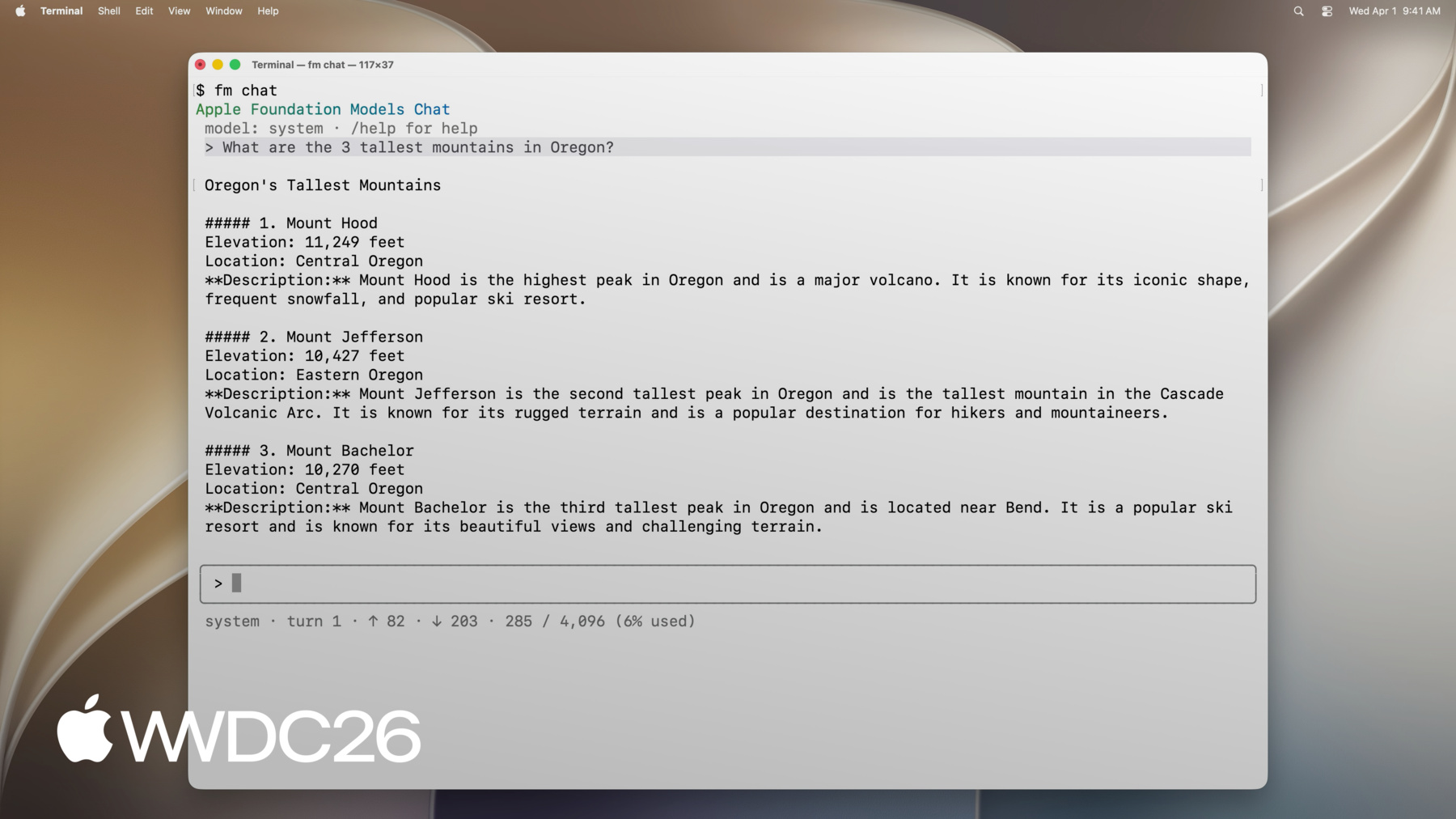
Build AI-powered scripts with the fm CLI and Python SDK

Improve your prompts by hill-climbing with Evaluations

Meet the Evaluations framework

Create robust evaluations for agentic apps
App Intents framework
Siri now connects to more of what people do in your app through the App Intents framework, making your content and actions available through natural language.
Entity schemas contribute your app's content to the Spotlight semantic index, so Siri can surface it with attribution back to your app. Intent schemas let people take action on that content naturally with no specific phrases to define and no code changes needed as Siri's language understanding evolves or expands to new languages and regional dialects.
The new View Annotations API lets you map your views to entities so people can reference and act on what's on screen conversationally. The App Intents Testing framework enables you to validate your entire integration through real system pathways, without UI automation, so you can catch issues early and ship with confidence.


Core AI
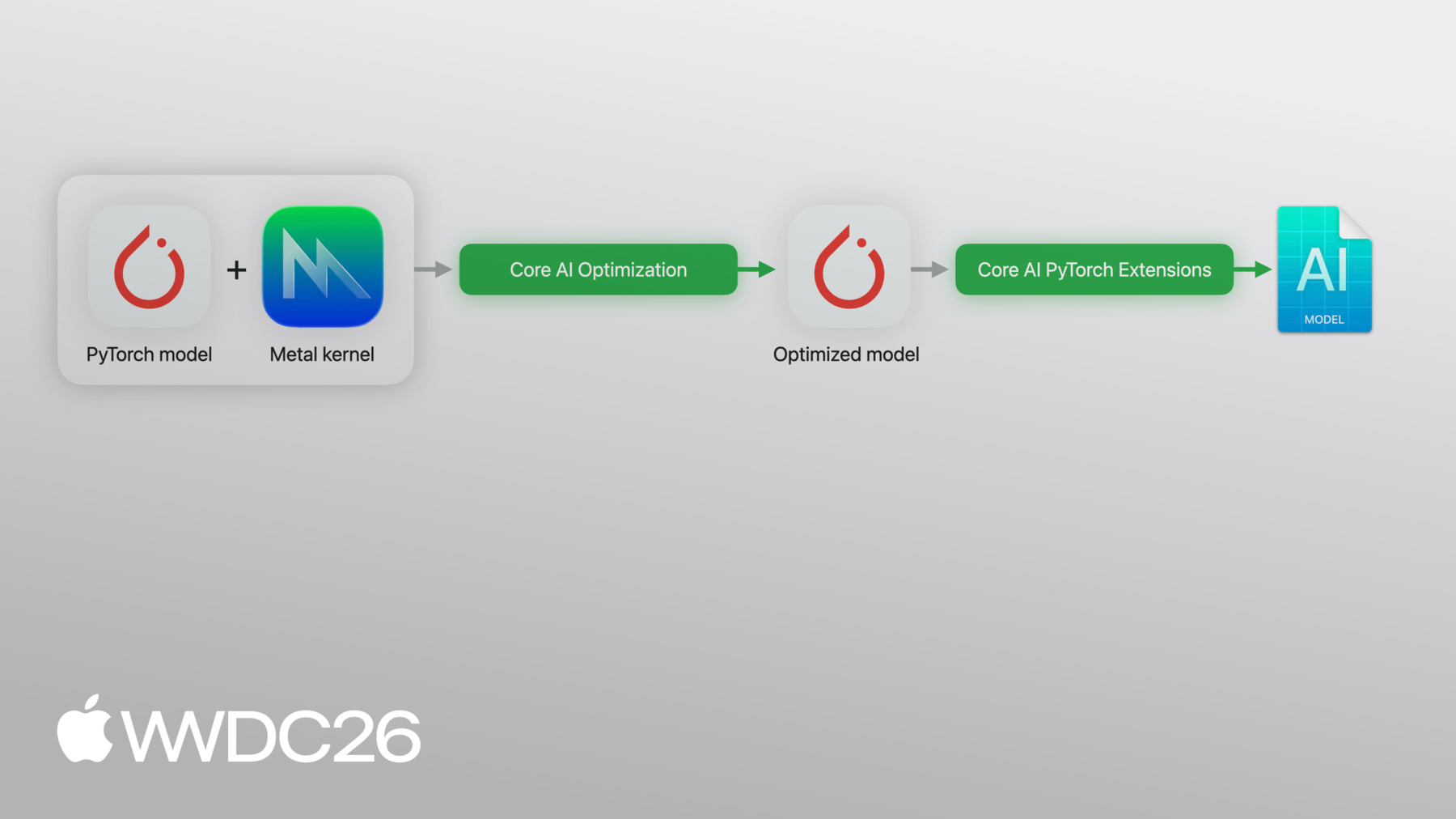
Core AI is a new framework built directly into the OS and purpose-built for Apple Silicon, providing the best way to bring your own models on-device — complete with supporting tools and technologies. A modern, memory-safe Swift API lets you load, specialize, and run AI models entirely on-device, keeping user data private and your apps responsive, with zero server dependencies and zero token costs. Models are automatically specialized for the hardware they run on, with ahead-of-time compilation support for quick load times. Fine-grained control over inference memory, zero-copy data paths, and stateful execution give you the performance you need to run everything from compact vision models to large-scale generative AI across all Apple platforms.
Platform improvements
Your app has new tools to look great and work smoothly across SwiftUI, UIKit, and WidgetKit. Refreshed materials, refined typography, and updated tab and navigation bars unify Apple platforms while letting your app keep its identity. With SwiftUI, you can now build high-performance document-based apps with direct disk access, reorder content across lists and grids, and lazily load subviews that prefetch content for smooth scrolling. UIKit adds new layouts that adapt for iPhone Mirroring, and widgets can now be customized through App Intents and dynamic styling.
Principles of great design

What's new in SwiftUI

WidgetKit foundations

Modernize your UIKit app

Use SwiftUI with AppKit and UIKit
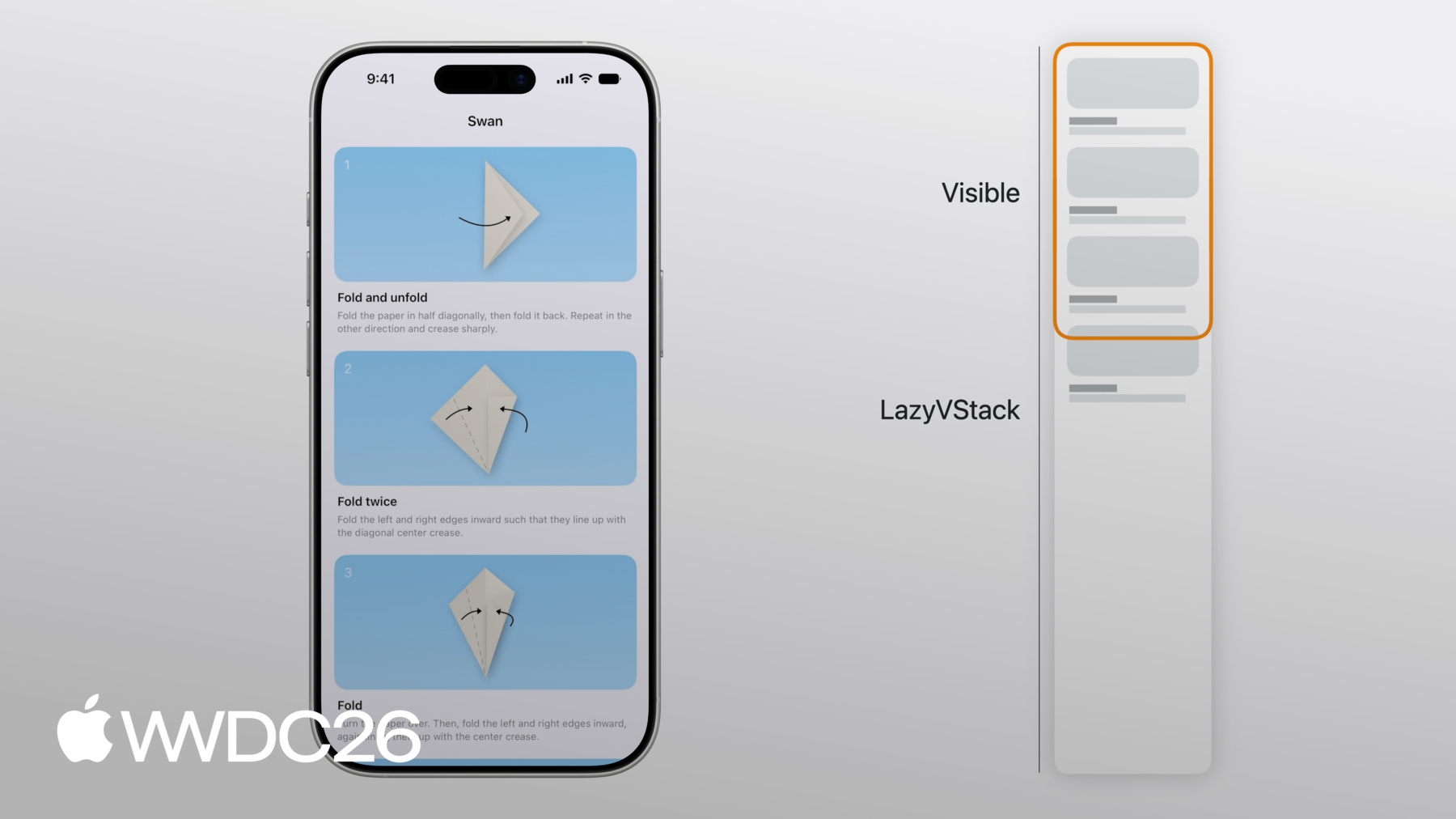
Dive into lazy stacks and scrolling with SwiftUI
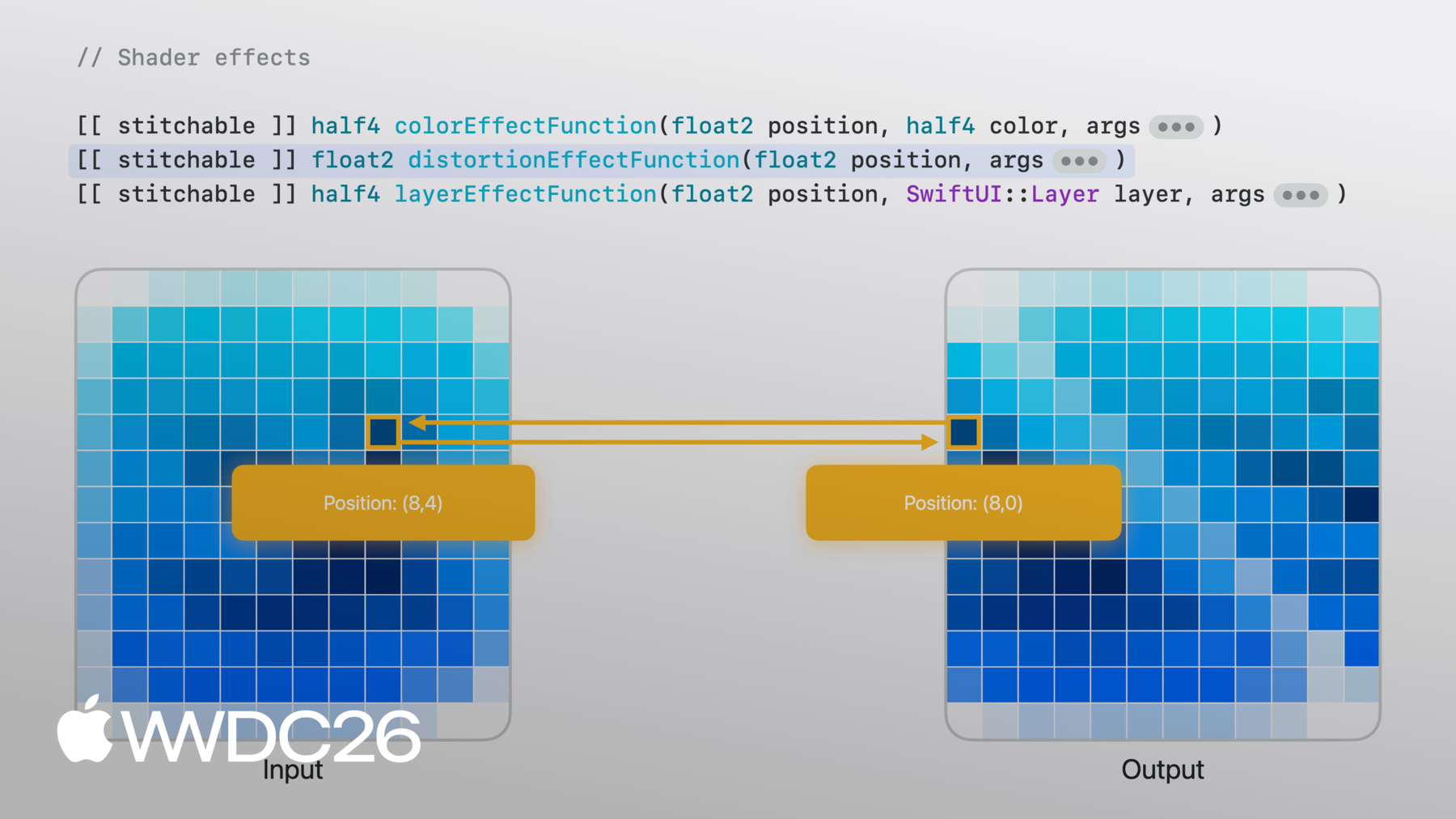
Compose advanced graphics effects with SwiftUI
Craft clear names for features and labels in your app
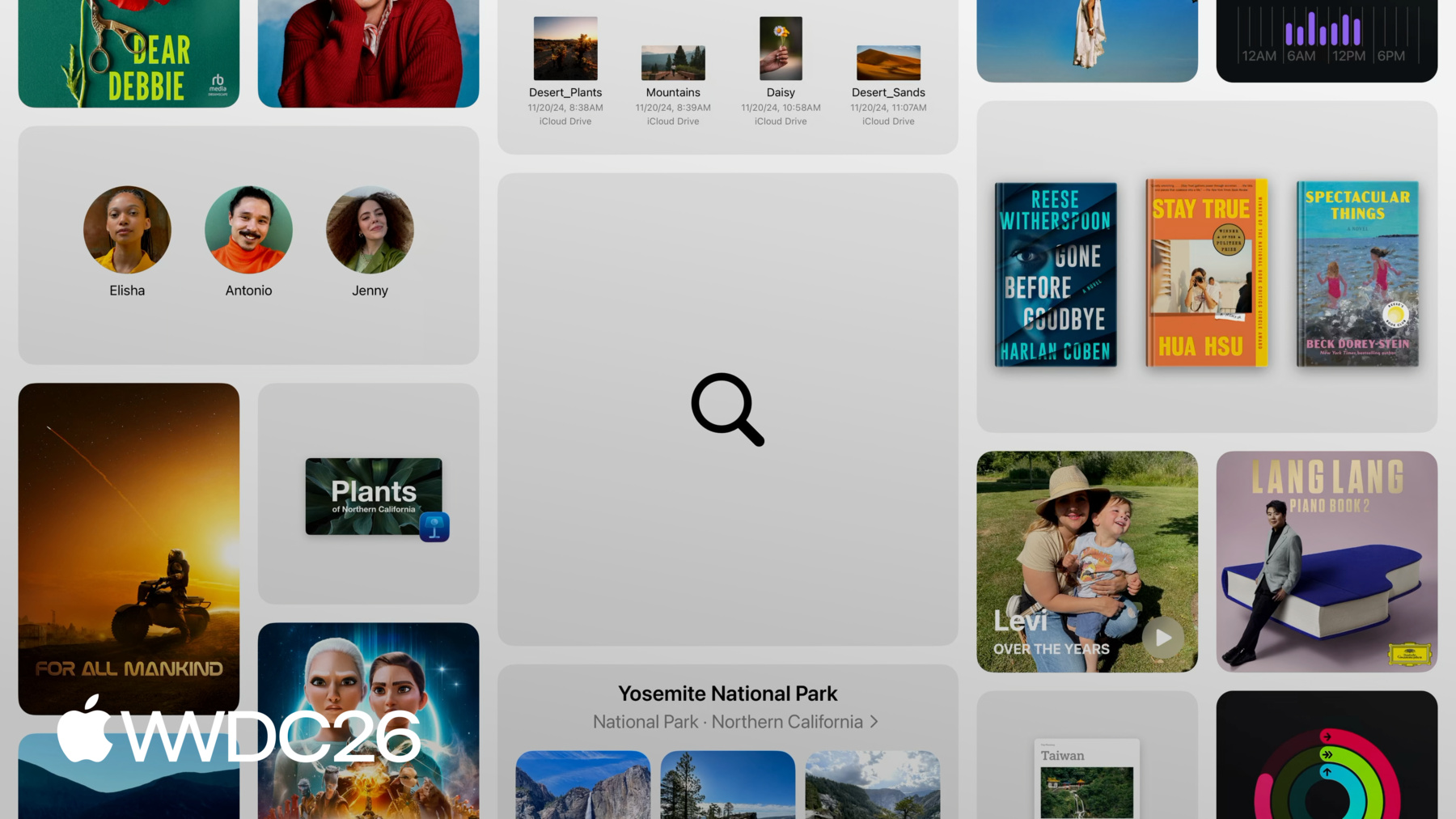
Design intuitive search experiences
Games
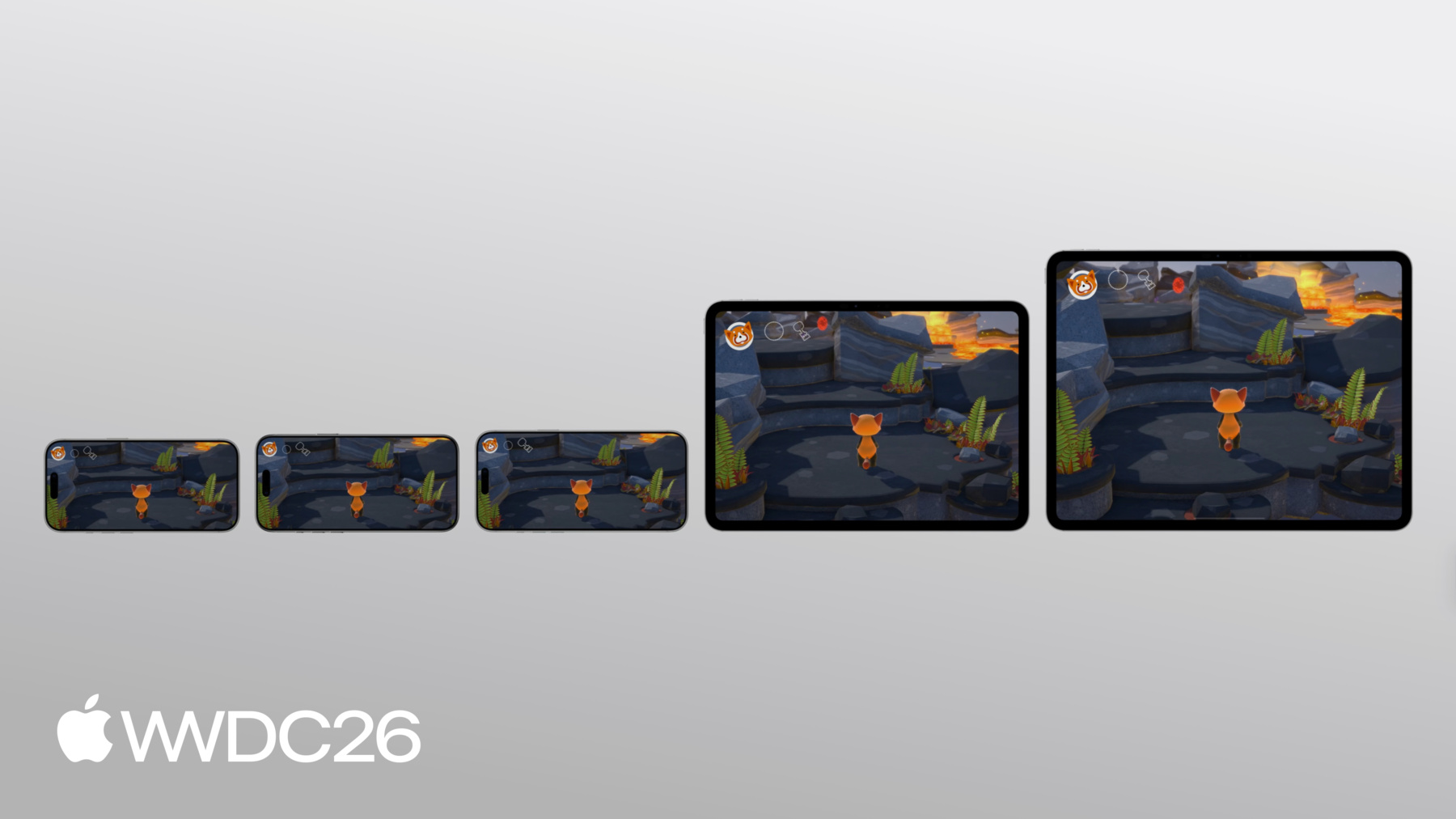
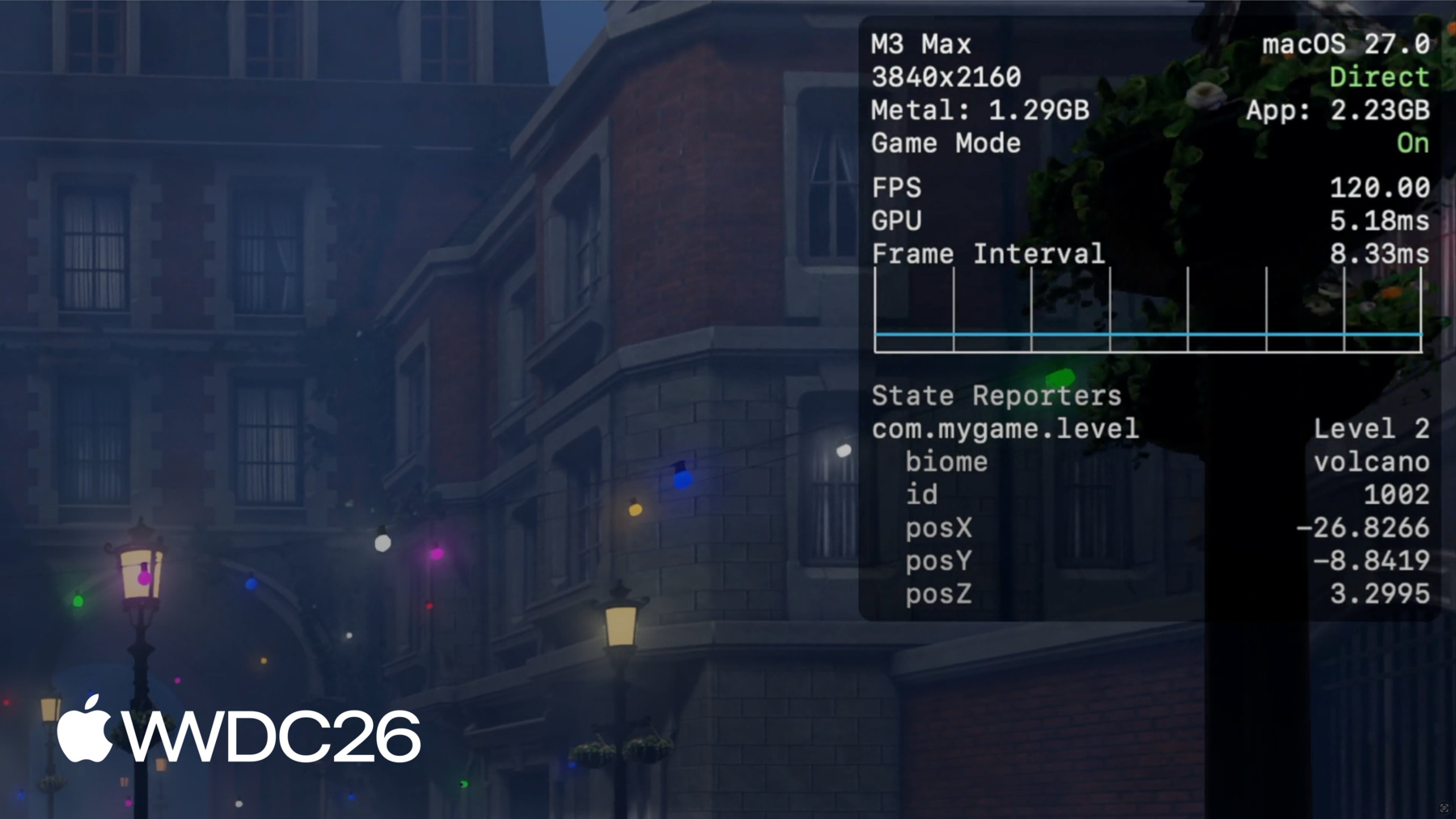
Games look and play better on iPadOS, with new tools that make porting and development faster than ever. Game Porting Toolkit 4 introduces open source agentic coding skills that bring Metal and Apple game development best practices to every step of the porting process, helping you ship on Apple platforms faster.


Apple Pencil
PencilKit brings powerful new handwriting capabilities to your app. Built on the same on-device recognition technology behind Notes and Freeform, PencilKit now recognizes handwritten text across a wide range of alphabets and languages — so people can write naturally with Apple Pencil and your app can understand what they've written. New APIs make it easier to integrate PencilKit into a broader variety of apps beyond traditional drawing canvases. And with PaperKit, you can offer a beautifully designed, paper-like writing surface with the fluid, low-latency inking experience people expect from Apple Pencil on iPad.

Resources
Take advantage of the latest advancements in iPadOS by building your apps and games with Xcode 27 beta. Browse updated documentation and try out the sample code for the new technologies introduced at WWDC26.